

Driving Tips for the Holiday Season
December 17, 2016
Did you know there are over 200 million licensed drivers in the US?
Sixty percent of all vehicular accidents are directly attributed to cell phone usage. Remember when driving, all your attention should be on the road. If you must use a cell phone, be sure to get a hands-free device that can be mounted inside the vehicle.
As the holiday season approaches, long distance driving may be a part of your future. Here are a few easy things you can do so your holidays stay bright:
- Check your vehicles’ lightbulbs, both low and high beams!
- If your vehicle lights are over 5 years old, consider changing them before the trip or purchasing spares.
- Check your breaks and tire pressure!
- Get an oil change before you embark on a long-distance driving trip.
Long distance driving also raises the probability of collisions. Be sure not to follow or stop too close to the car in front of you, and remember to always check your rear and side mirrors frequently.
Don’t forget the basics. Always obey the speed limit and use your directional signals when changing lanes. If you are tired and it is safe to do so, pull into a designated rest stop to take a quick nap. Make sure to keep your windows and doors locked at all times. Drowsy driving is dangerous!
Enjoy this holiday season and drive safely.
Solutions
What Solutions Do We Offer?
The eSafety platform delivers scalable safety training solutions for organizations of any size. Built by experts in safety and regulatory compliance, our powerful Learning Management System (LMS), comprehensive training content library, and Contractor Management System (CMS) tools make it easy to meet compliance requirements. With intuitive features designed for efficiency, eSafety helps keep everyone informed, compliant, and safe.
TRAINING
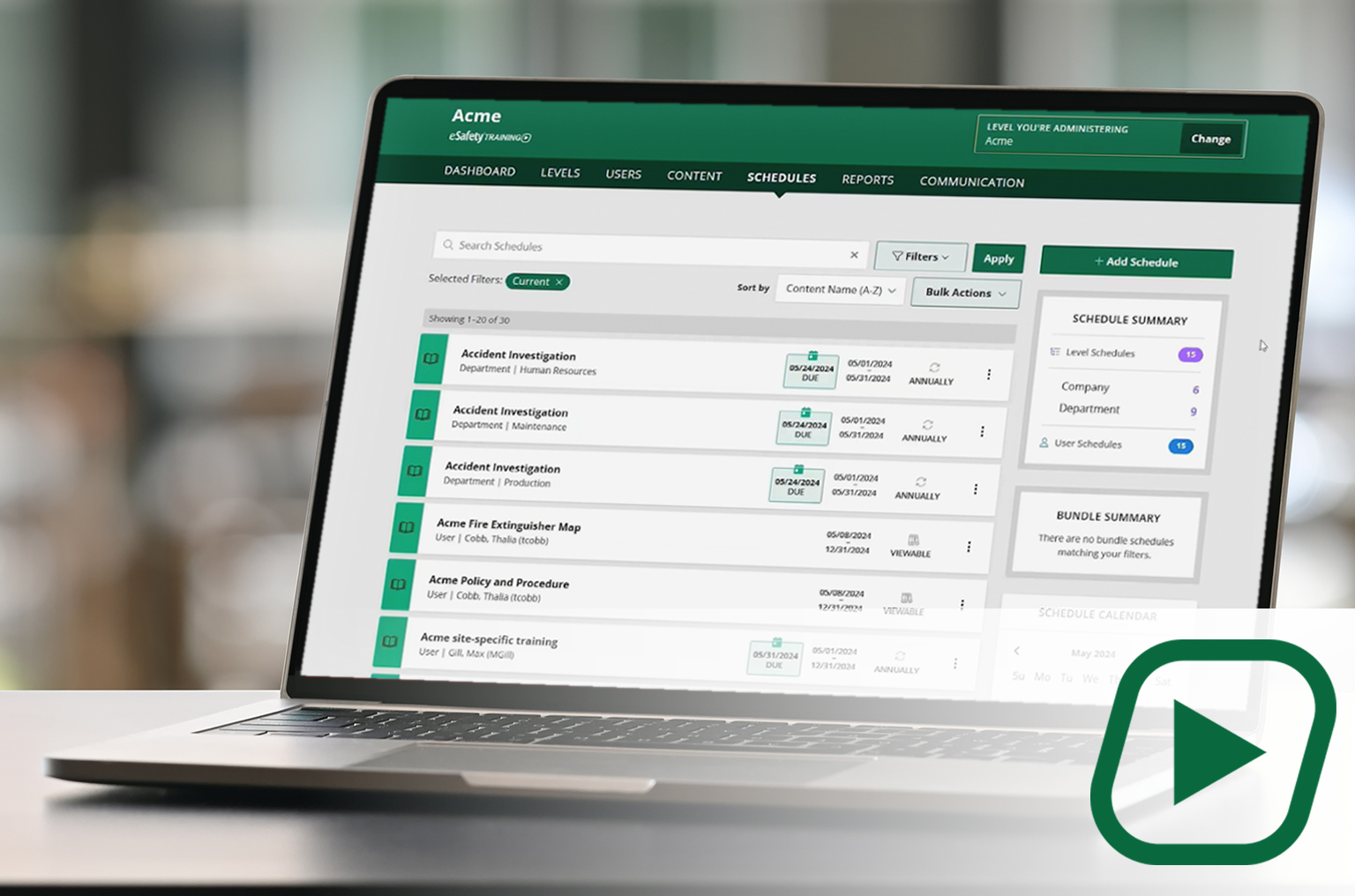
Our cornerstone learning management system (LMS) delivers a full library of compliant training content with intuitive features and capabilities to assign, track, and report on employee training.
✓Full content library
✓Schedule and manage training
✓Generate reports
CONTENT
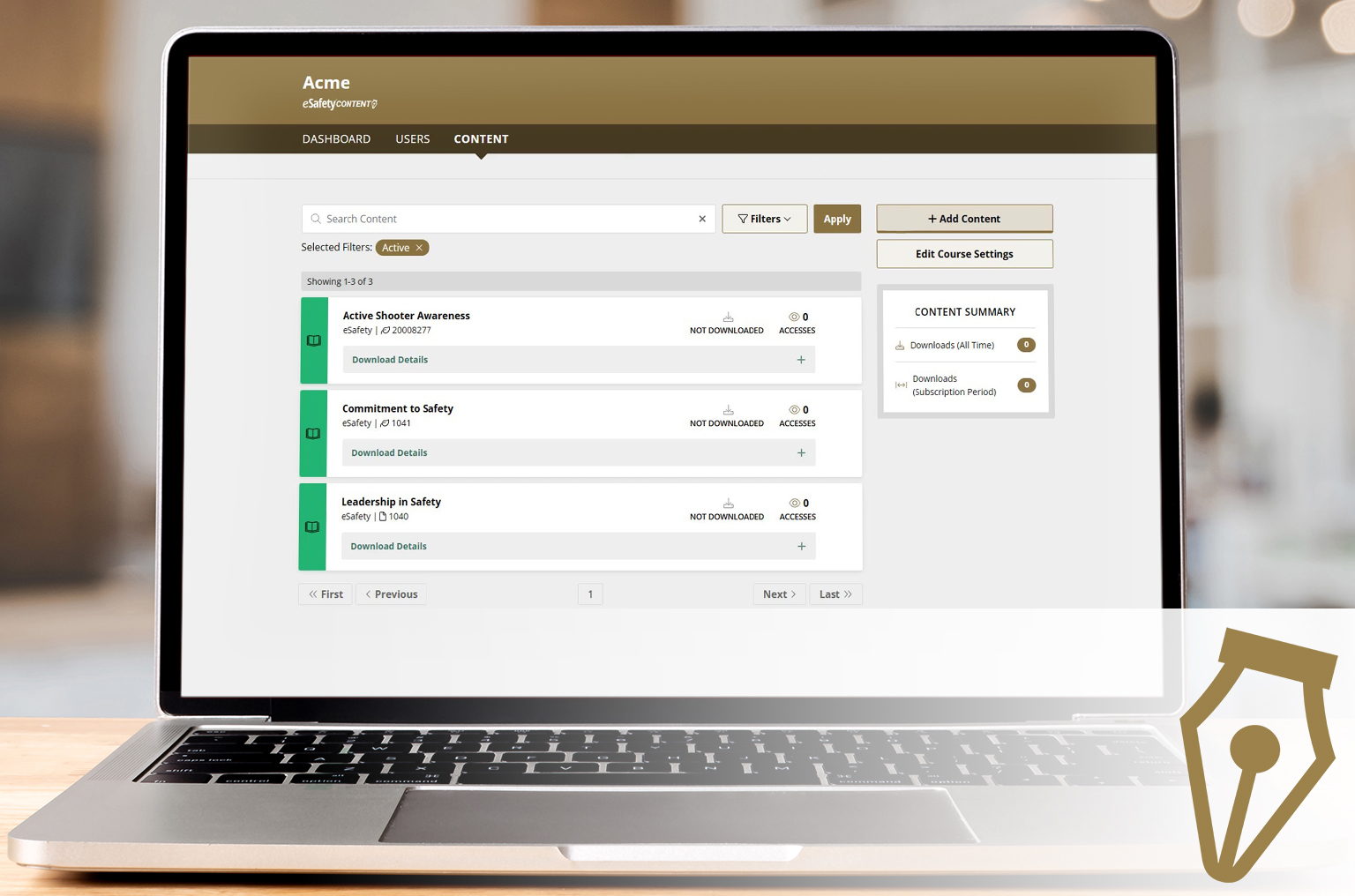
A portal to select and download our content (courses) to be added to another LMS. A client gets a SCORM file to upload into the LMS they use. With an active key, course updates are automatic.
✓Select your course package
✓Download ready-made courses
✓ Receive automatic updates
CONTRACTOR
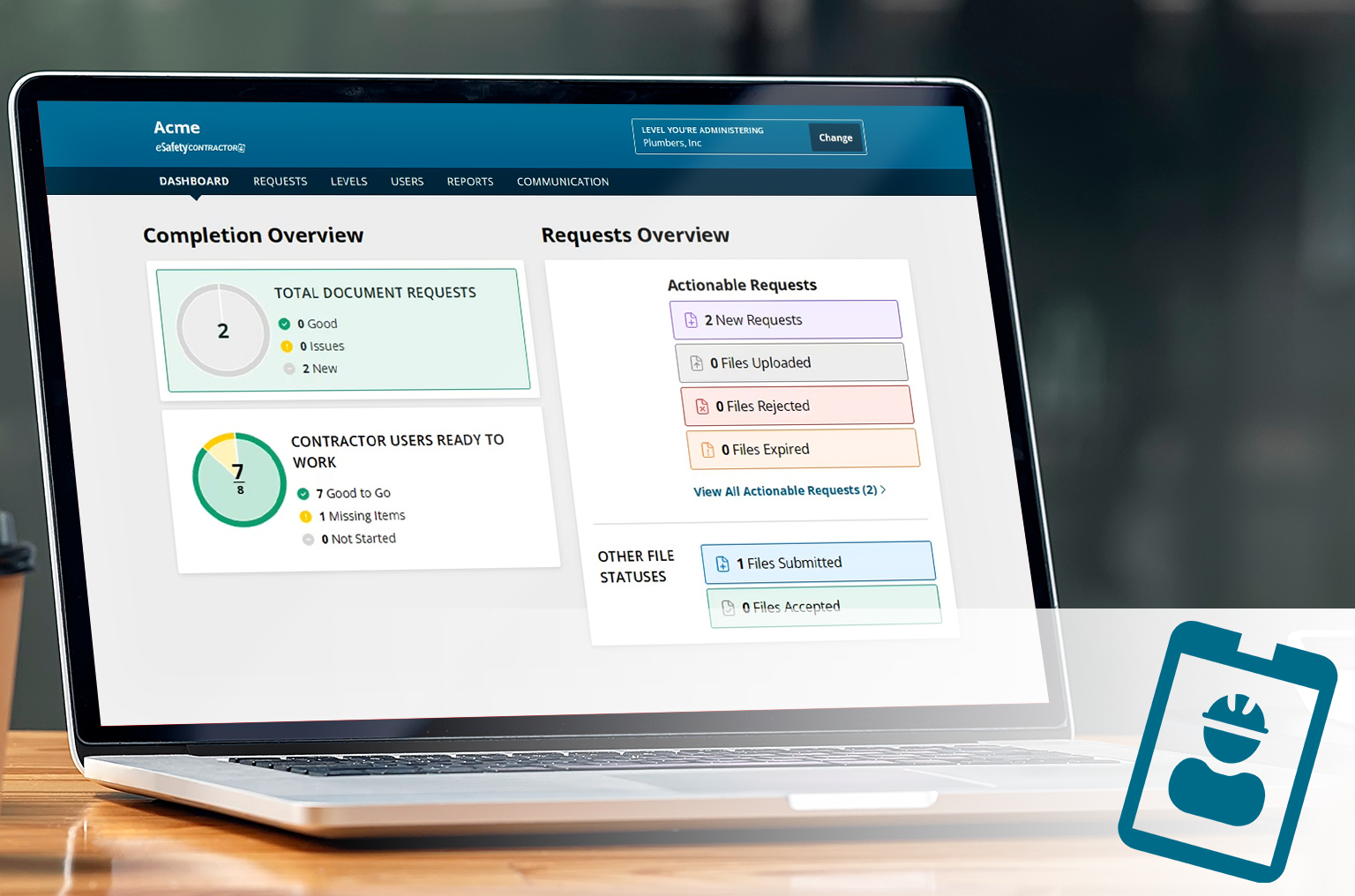
A CMS built to include LMS features to manage 3rd-party contractors coming to your site. Streamline the process of collecting and approving documents, conducting site-specific training, and more.
✓ Manage document requests
✓Assign site-specific training
✓Confirm approval to be on site
Popular Courses
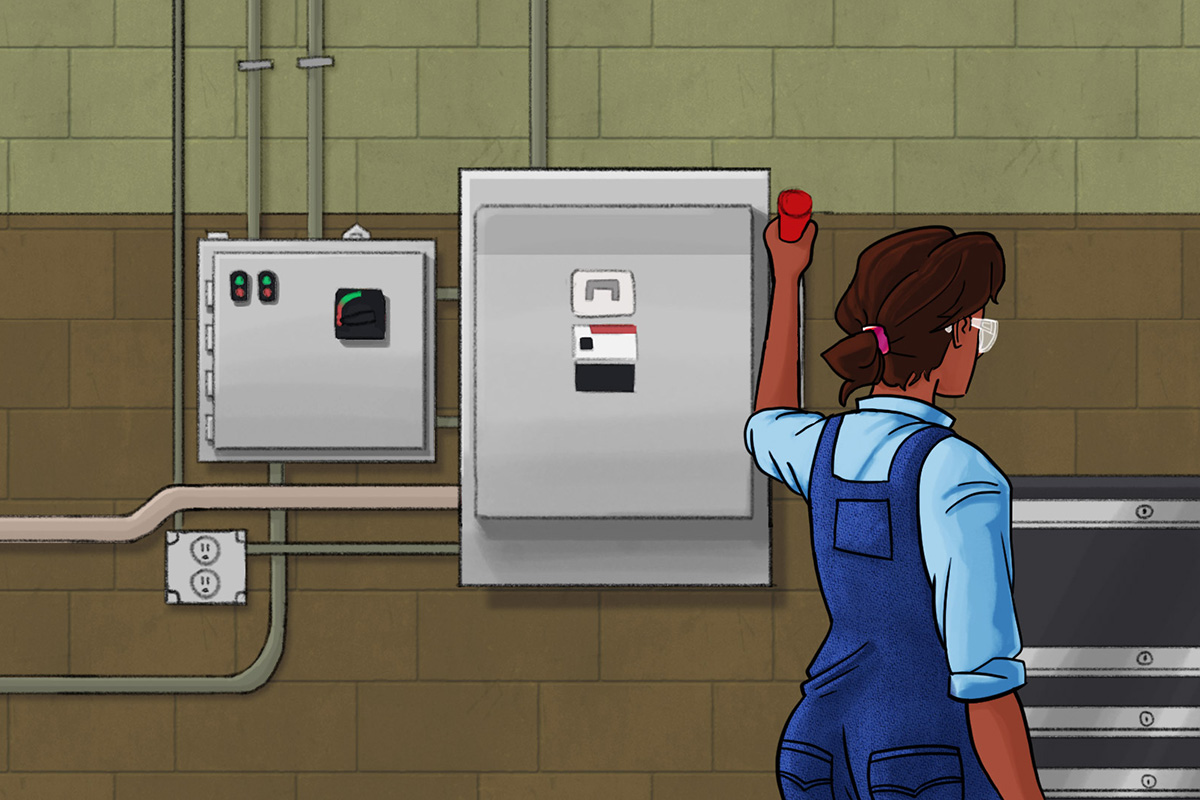
Electrical Safety


Back Safety

Walking-Working Surfaces
Featured Articles