What’s Different About Managing Safety Training Across Multiple Locations?
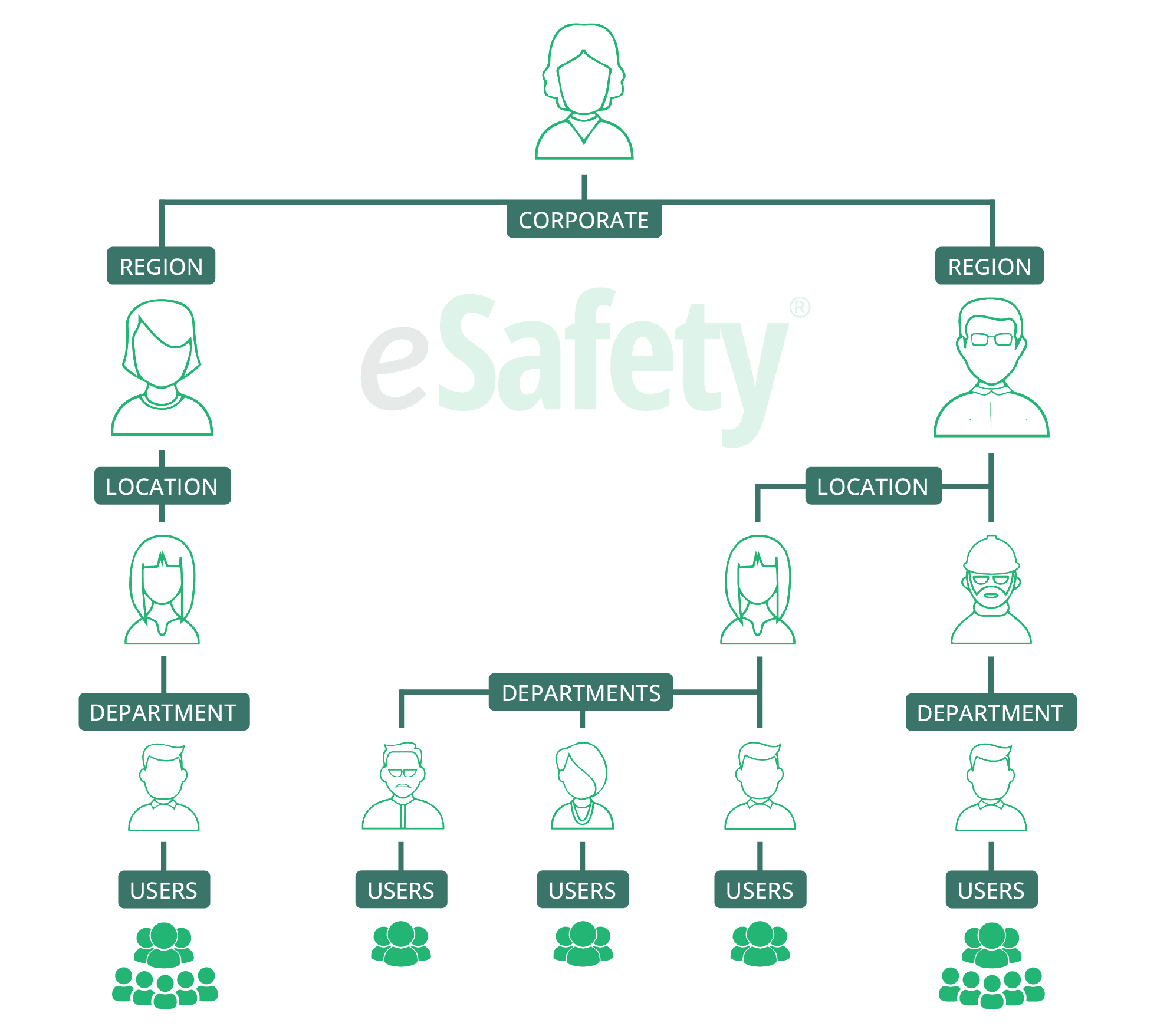
Corporate needs visibility across all locations. Regional managers need control over their facilities. Plant-level coordinators need to track their departments. Everyone needs different levels of visibility to successfully manage training.
Most training platforms force you to choose between central control and local flexibility. eSafety gives you both with an adjustable level structure and tailored administrative permissions at each level.

How Does Multi-Level Administration Work?
Levels are the different tiers within your organization. Set up your organizational structure—corporate, regions, facilities, departments—and assign admin permissions at each level. Each administrator sees and manages only what's needed for their role.
Corporate Level
- Set organization-wide training requirements
- View compliance across all locations
- Generate reports at any level
- Share custom content throughout levels
Regional Level
- Monitor multiple facilities
- Schedule facility-specific requirements
- Coordinate training and compliance across sites
Facility Level
- Schedule, track, and report on employee training for a specific facility
- Access all courses within the company's subscription as well as company created content
- Reports are only available for the facility and users within your admin permissions
How Does eSafety Help Streamline Multi-Location Training?
Create a consistent learning experience for all employees within your organization. Give administrators the level of access they need to effectively manage their specific training responsibilities. Generate reports to keep everyone informed on the current training status.
Schedule Training by Level
Assign training organization-wide, by region, facility, and more. Set annual schedules that repeat automatically. Employees can receive automatic reminder emails when training is due.
Access to the Same Content Library
All locations will have access to the same Content Library, delivering consistent training information across your organization.
Assign Multiple Admins
Administrators at various levels allows you to delegate responsibility without compromising LMS integrity.
Permission-Based Reporting
Generate reports from corporate to the department level, quickly and easily. Admins can only access data within their permission level.
Can Different Locations Have Different Training Requirements?
Yes. Different locations within the same organization often face unique hazards, regulations, and operational risks, which can require different training requirements.
Assign organization-wide training that everyone takes, along with facility-specific, site-specific, and any industry-specific training based on individual location needs.
What Reporting Options Are Available For Multi-Location Organizations?
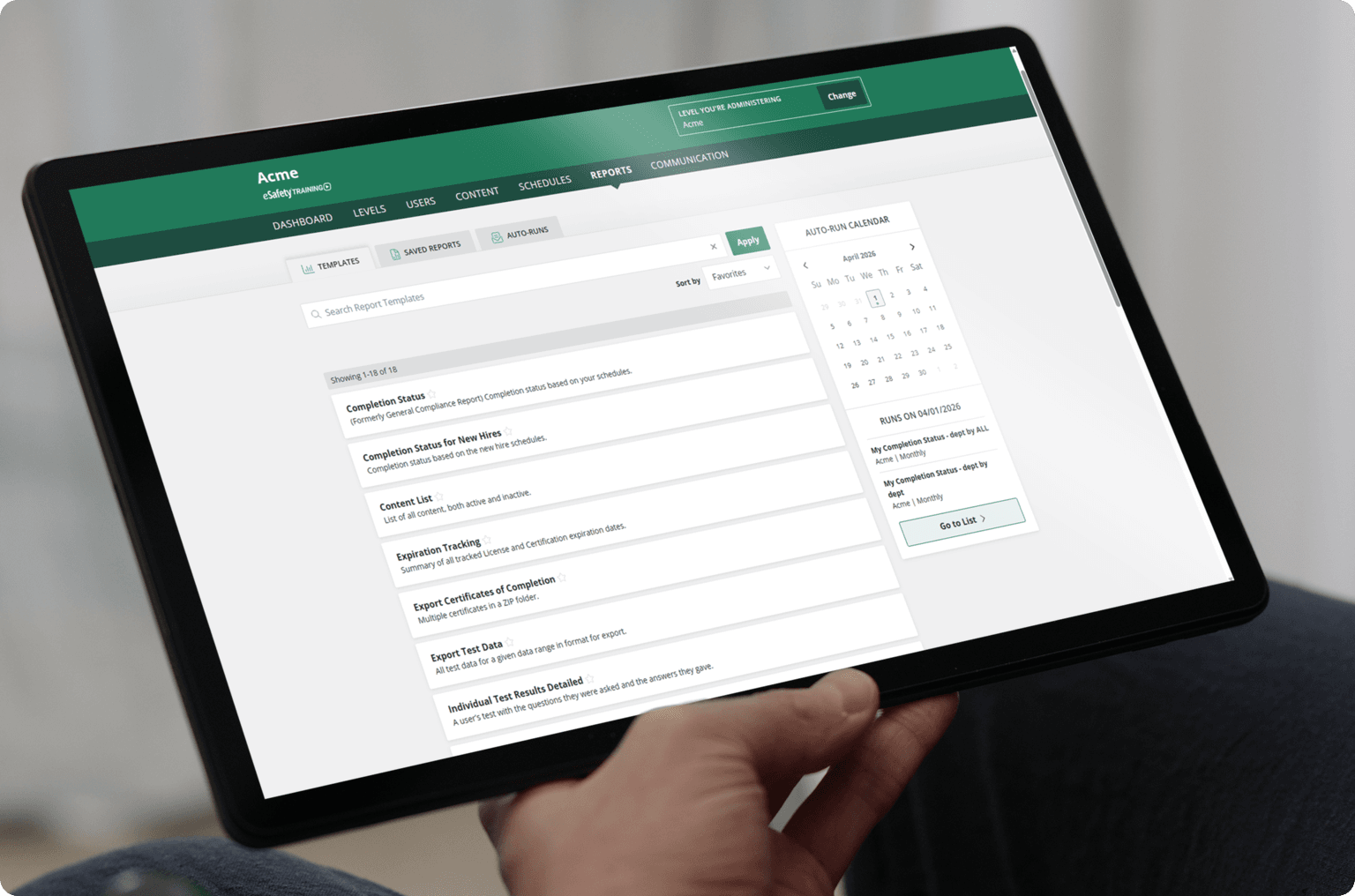
Generate reports at any level, based on your access. Corporate and Regional managers can generate overview reports of all facilities, while facility-based admins can generate reports to oversee employee training at their facility.
Set up automated reporting to deliver daily, weekly, monthly, or quarterly summary emails to anyone monitoring training progress.

Here’s What Our Customers Have To Say.
Resources

Machine Guarding

Learn More →

Outdoor Work Safety
Learn More →
6 Types of Heat-Related Illnesses in the Workplace
OUTDOOR SAFETY
Jun 20, 2025
Heat-related illnesses occur when our natural cooling mechanisms become overwhelmed by environmental heat, physical exertion, or a combination of factors – some of which are found in many workplaces.
Learn More →

How to Prevent Slips, Trips, and Falls in the Workplace
WORKPLACE SAFETY
Jun 02, 2021
Slips, trips, and falls cause nearly 700 fatalities per year, and many more injuries in the workplace, according to the Bureau of Labor Statistics. Here are 5 ways to prevent slips, trips, and falls in the workplace:
Frequently Asked Questions
How many administrators can we have?
Add as many admins as you need at corporate, regional, and facility levels—no extra fees for admin permissions.
Is there a limit on the number of locations I can add to my eSafety subscription?
No. Set up as many locations as you have. Let us know if another needs to join at any time! Pricing for eSafety Training is based on total users.
Does eSafety integrate with other systems?
eSafety has API capabilities to integrate and streamline user management and training documentation. Contact us for more information.
What customer support do multi-location clients receive?
We want to know all clients on an individual basis. Multiple locations under the same account will have the same eSafety rep for support. Your rep knows your organization structure, your facilities, and any additional location admins. Your rep will be with you from day one and happy to support your team, in whatever way your admins work together to implement safety training.